
To get started, describe what you’re seeing in plain terms and who it affects. Tell us when it began and whether it’s ongoing or intermittent. If possible, note any recent changes to software, settings or the network, and which devices are involved. Providing screenshots or a clear sequence of steps to reproduce the fault also helps. This information helps us determine whether the fault is with the handset, line, cabling, network or other equipment, and whether remote diagnosis or onsite testing is needed. Remote support can fix configuration or user-operation issues, while physical faults may require an onsite visit.
Public Q&A
What specific information should I collect before you diagnose?


Useful next steps
Use this answer as a practical starting point. Current scope, specifications, compatibility, availability, pricing, timing and next steps should be confirmed directly with Pacific Telephone & Data where they affect a decision.
Related Topics
Continue Through Related Topic Pages
Explore more topic pages connected to this answer.
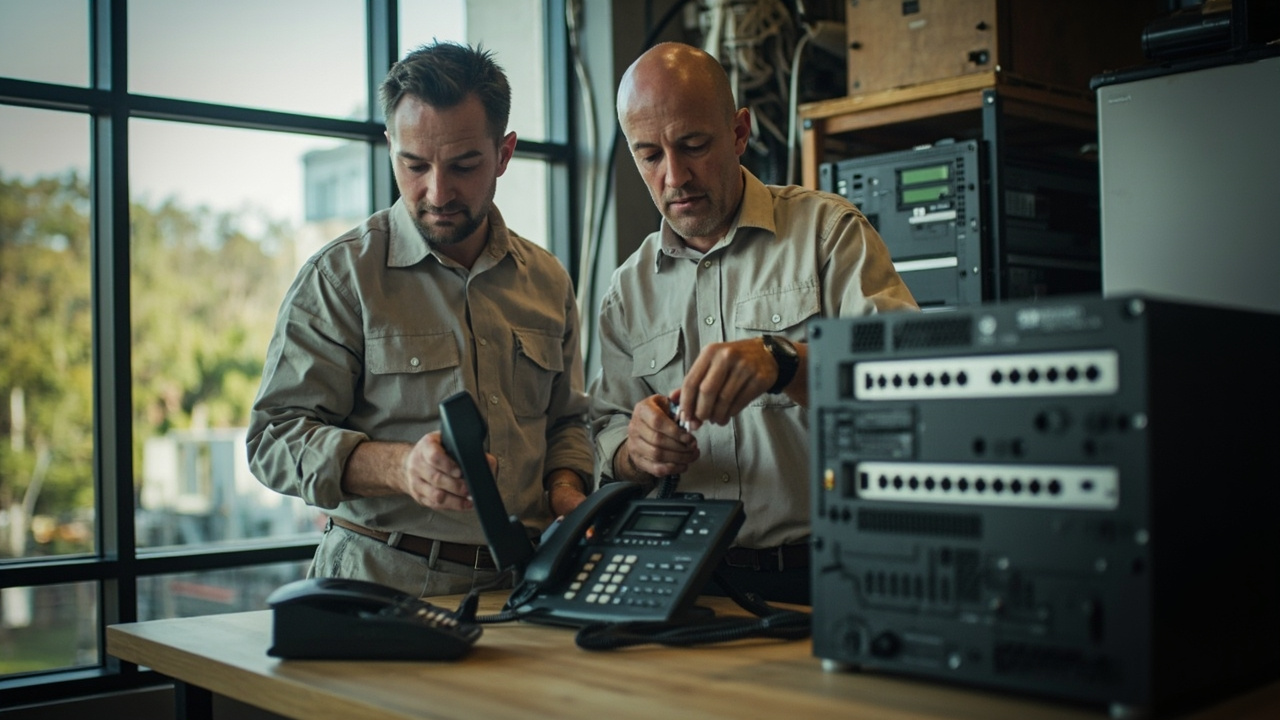


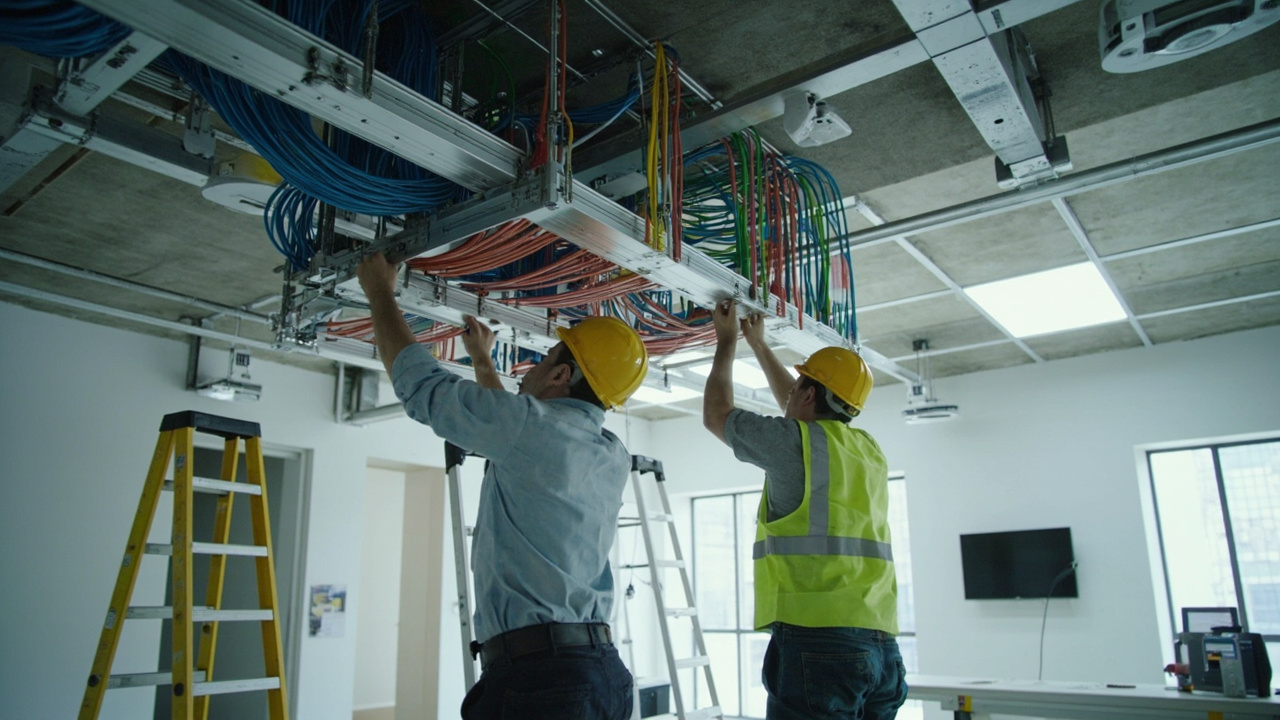

Related visual examples
A short visual sample connected to this answer or its topic.
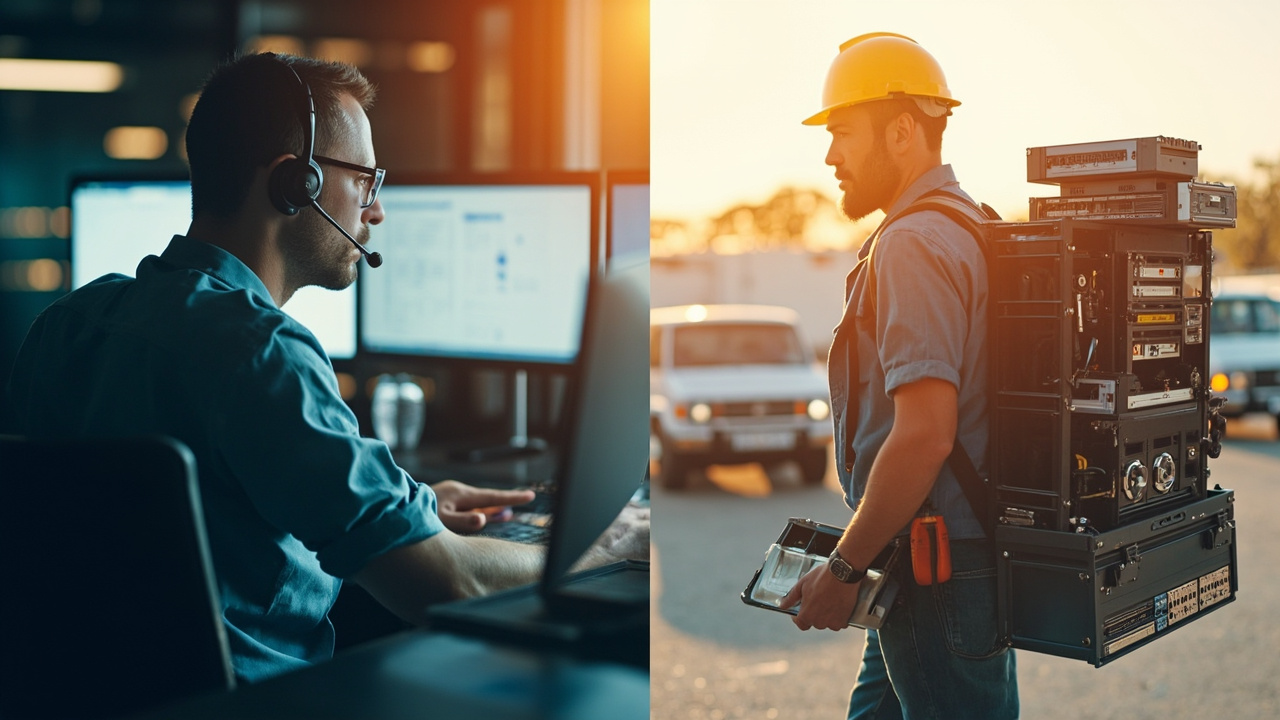 service areaProfessional business technology scene illustrating for remote support with on site follow.
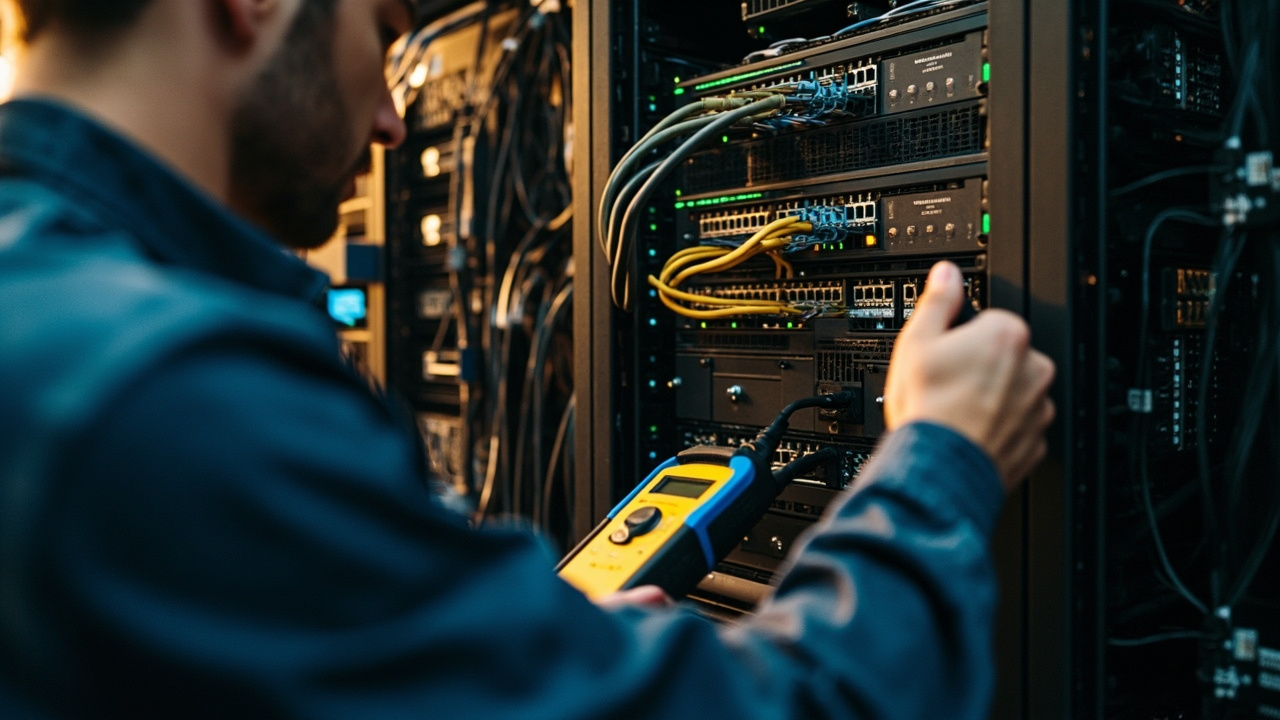 service areaProfessional business technology scene illustrating for finding a network fault in the rac.
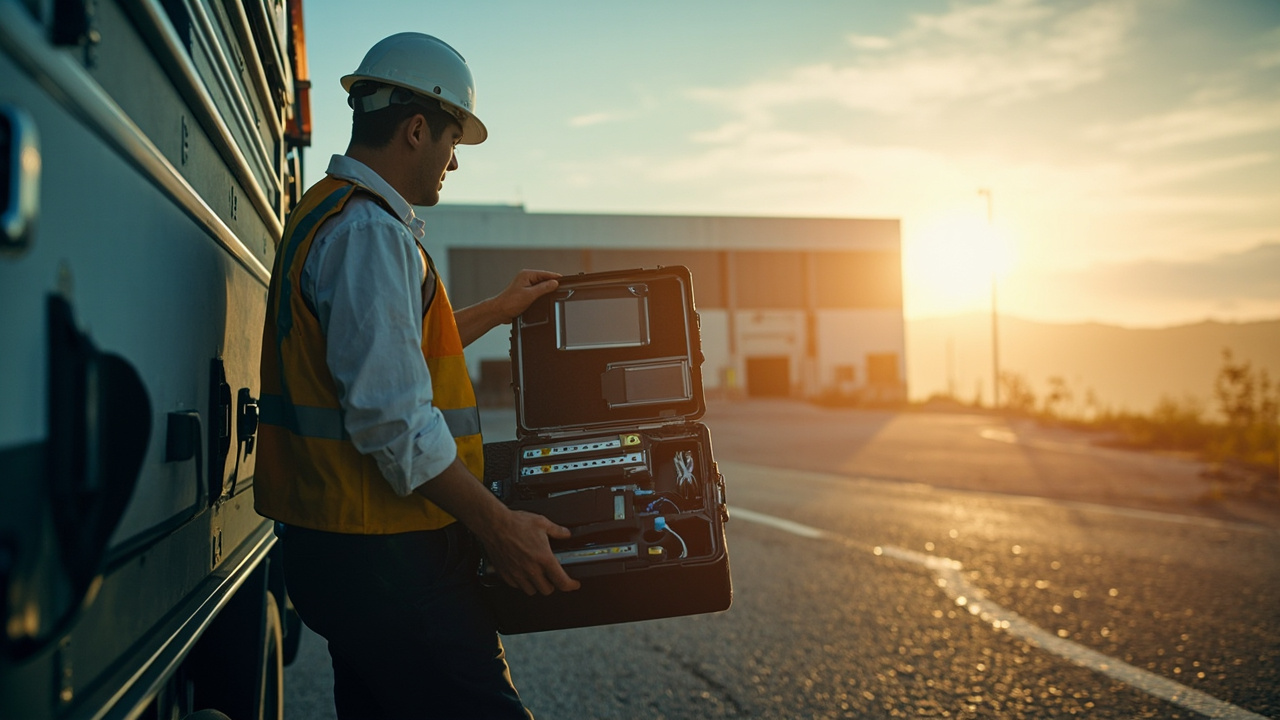 service areaProfessional business technology scene illustrating for technology support across the hunt.