Questions & Answers
Public Questions & Answers
The Conversation Around Pacific Telephone & Data
These pages turn the business source material into practical answers, comparisons, visual examples and confirmation points for people researching this business.
Security for remote softphones starts with strong login controls and device management, plus clear separation between personal and business calls. We design encryption for data in transit and at rest and use approved devices and apps so traffic stays protected. For BYOD, use an MDM/EMM policy that keeps business data in secure containers, enforces encryption and remote wipe. For company devices, apply security baselines across devices, with managed apps an…
Remote Work Mobile Apps and Softphones · 2026-09-28 How should we handle BYOD vs company devices for security?If you allow BYOD, you’ll want a clear policy backed by an MDM/EMM approach that keeps business data in secure containers, enforces encryption, passcodes and remote wipe. Use approved business apps and separate business data from personal data, and limit what can be accessed on personal devices. Pacific can tailor these controls to your NEC or cloud platform and guide user onboarding to keep compliance without hampering productivity. For teams that use com…
Remote Work Mobile Apps and Softphones · 2026-09-26 How do we keep business data secure across devices and apps?You’ll want to enforce strong login controls, device management policies, and a clear separation between personal and business calls. Use approved devices and the business app that supports encryption and secure handling of data in transit and at rest. We’ll tailor the settings to your NEC or cloud platform and provide practical user guidance to reduce risk while keeping staff productive. Pacific can assess your platform, licences and network conditions, c…
 8 Q&A
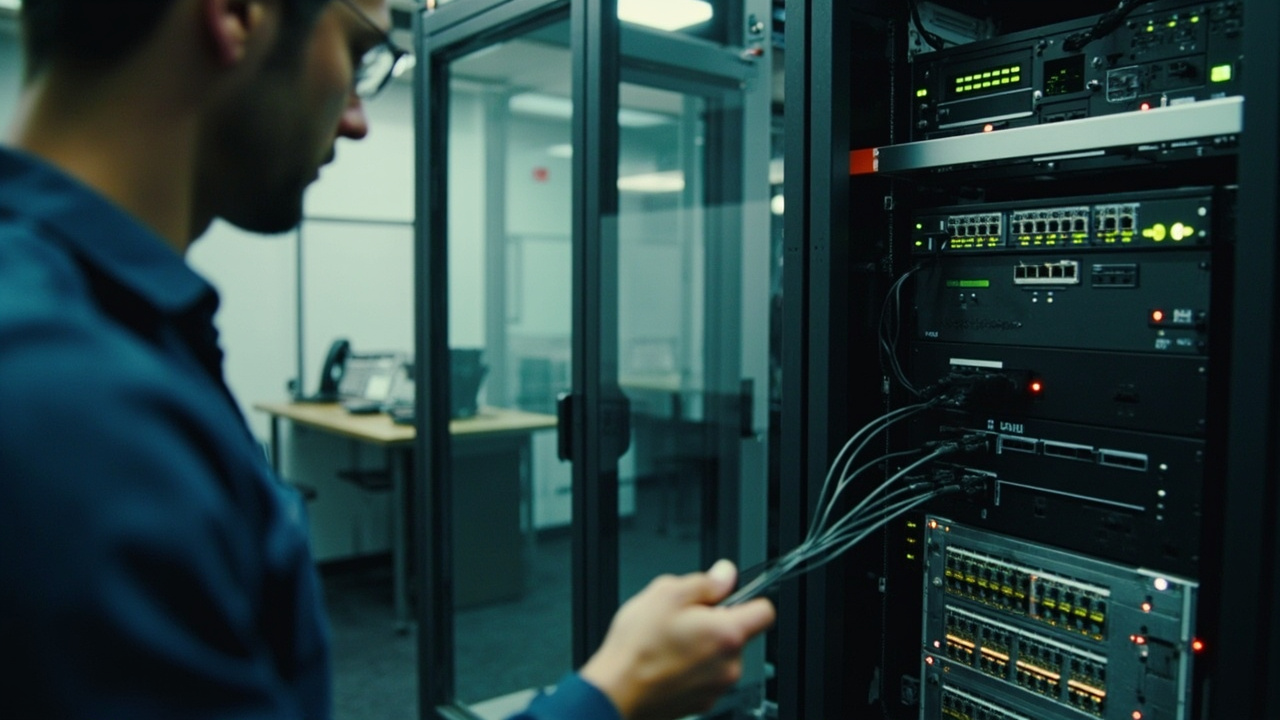
VoIP Security and Session Border Controllers
8 Q&A
VoIP Security and Session Border Controllers
 9 Q&A
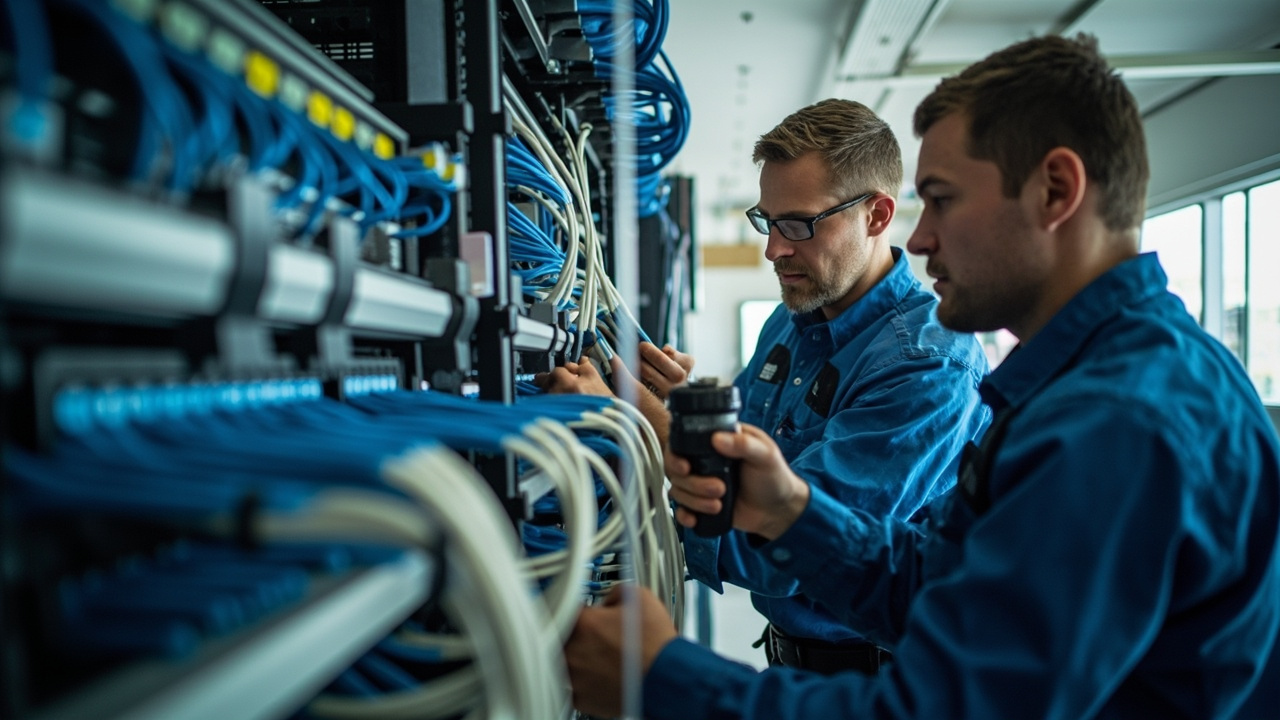
CAT6 and CAT6A Structured Cabling
9 Q&A
CAT6 and CAT6A Structured Cabling
 8 Q&A
Fibre Optic Cabling and Long-Distance Networks
8 Q&A
Fibre Optic Cabling and Long-Distance Networks
 6 Q&A
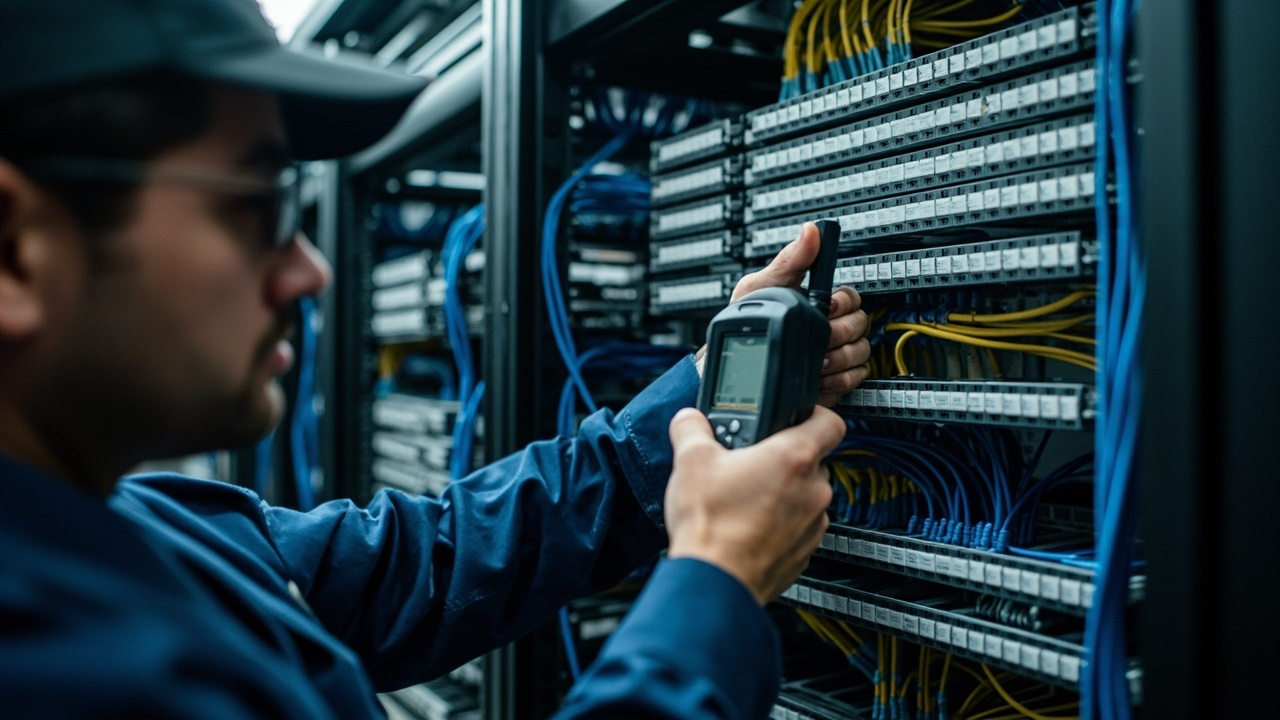
Communications Racks Testing Labelling and Fault Finding
6 Q&A
Communications Racks Testing Labelling and Fault Finding
 8 Q&A
Business Wi-Fi and Wireless Networks
8 Q&A
Business Wi-Fi and Wireless Networks
We confirm the root cause and the fault scope, then decide whether it can be resolved remotely or needs an on-site visit. Remote fixes can include configuration changes and adjustments to settings, while physical faults may require on-site testing. After applying the fix, we run checks to verify service is back to normal. We’ll confirm with you that the issue is resolved and document the changes for future reference. If multiple components were involved, w…
Remote Work Mobile Apps and Softphones · 2026-06-22 What security mistakes should be avoided with softphones?Poor Wi-Fi, unsuitable headsets, weak mobile coverage, shared credentials and inconsistent user setup can make a technically available softphone frustrating in daily use. The design should consider user roles, devices, operating systems, internet quality, headsets, mobile data, login security, emergency calling, call recording, directory access and how personal and business calls will be separated.
Remote Work Mobile Apps and Softphones · 2026-06-22 Which devices and licences need to be confirmed before rollout?App support, licence entitlements, device compatibility, security controls and emergency-calling behaviour should be confirmed for the selected platform. Pricing, availability, specifications, compatibility, lead times, service coverage and support arrangements can change, so decision-critical details should be confirmed directly with Pacific Telephone & Data.
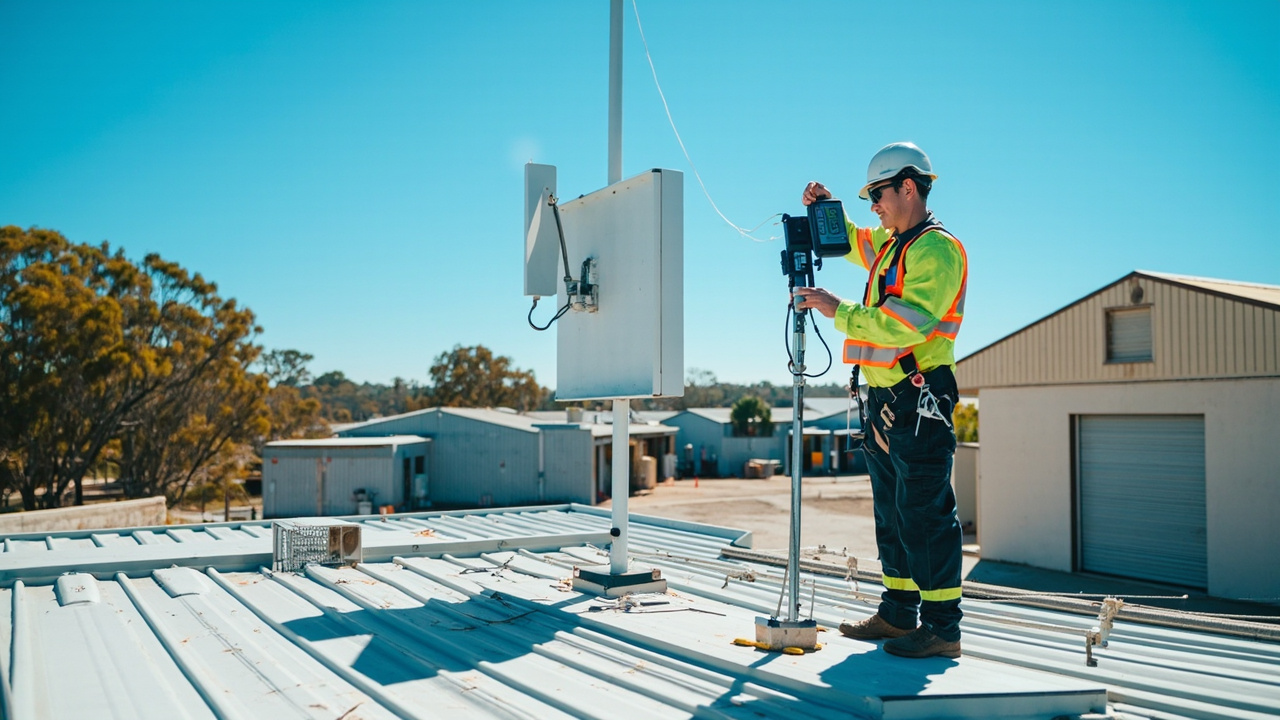 8 Q&A
Point-to-Point Wireless Links
8 Q&A
Point-to-Point Wireless Links
 12 Q&A
Commercial CCTV Design and Installation
12 Q&A
Commercial CCTV Design and Installation
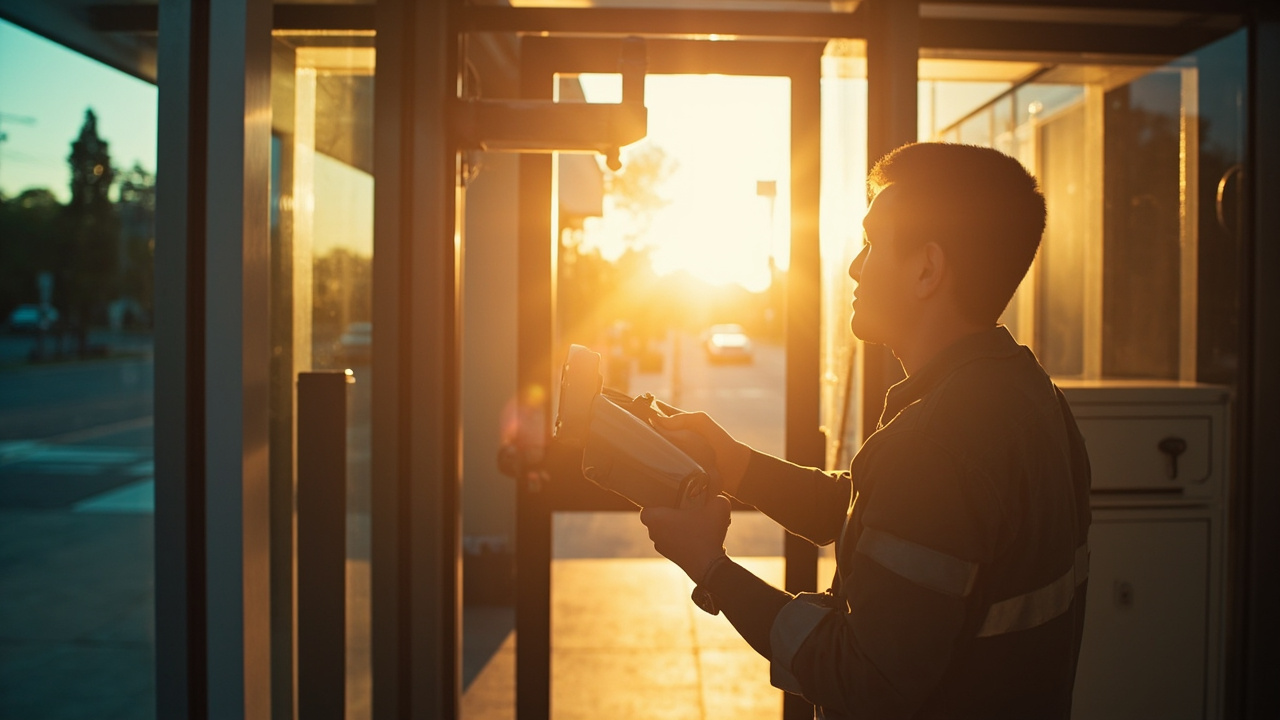 9 Q&A
Camera Placement Lighting and Recorder Location
9 Q&A
Camera Placement Lighting and Recorder Location
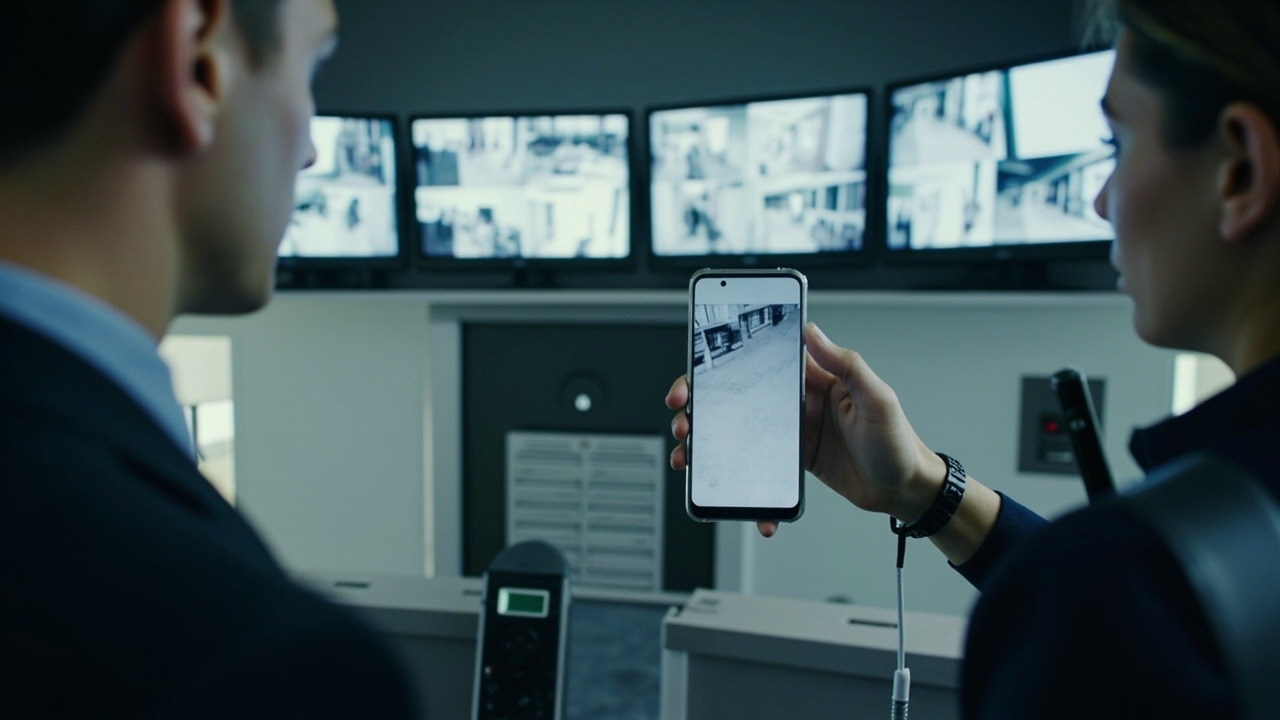 6 Q&A
NVR DVR Video Management and Remote Monitoring
6 Q&A
NVR DVR Video Management and Remote Monitoring
 6 Q&A
Access Control Door Intercoms and Staff Access
6 Q&A
Access Control Door Intercoms and Staff Access
Mobile apps and softphones allow authorised users to make and receive business calls away from a desk handset. They can support remote work, travelling staff and flexible reception arrangements when the platform and network are suitable. Pacific can assess the phone platform, licence requirements, network conditions and user workflow, then configure and test the approved devices and provide practical user guidance.
Remote Work Mobile Apps and Softphones · 2026-06-21 Can remote staff keep the same call flow as office users?Softphones are useful for mobile teams, home workers, temporary locations and staff who need one business identity across several devices. Mobile apps and softphones allow authorised users to make and receive business calls away from a desk handset. They can support remote work, travelling staff and flexible reception arrangements when the platform and network are suitable.
Remote Work Mobile Apps and Softphones · 2026-06-20 How can a softphone let staff use the business number remotely?Pacific can assess the phone platform, licence requirements, network conditions and user workflow, then configure and test the approved devices and provide practical user guidance. The design should consider user roles, devices, operating systems, internet quality, headsets, mobile data, login security, emergency calling, call recording, directory access and how personal and business calls will be separated.