Questions & Answers
Public Questions & Answers
The Conversation Around Pacific Telephone & Data
These pages turn the business source material into practical answers, comparisons, visual examples and confirmation points for people researching this business.
We will communicate the findings and the recommended next steps after diagnosis. If the fault can be resolved remotely, we'll outline the steps and required access; if it needs on-site testing, we'll specify what must be done on-site. We’ll provide a clear plan with the chosen fix, the expected outcome and any follow-up checks. We’ll also document the root cause and changes made so you have a record for future support.
Business Wi-Fi and Wireless Networks · 2026-08-26 What exactly is included in Pacific's site survey for Wi-Fi?A site survey looks at your building and usage: floor plan, construction materials, interference sources, ceiling height, expected device density, roaming patterns, and where staff and guest networks will need to be separate. It also considers outdoor areas and warehouses and where data cabling can reach each access point. From that survey, Pacific will help plan the solution: determine the right number and placement of business-grade access points, set up…
Call Flow Reception and Multi-Site Communications · 2026-08-25 What information should I gather for the call-flow interview?For the call-flow interview, gather the following: current numbers and extension map; who answers each queue; which departments should receive which calls; opening hours, holidays, after-hours messages; overflow rules and failover; on-call rotations and remote workers; any recording requirements and the reports managers rely on. Bring real-world call examples and any current pain points so the team can map current to desired flow. Be ready to review normal…
 8 Q&A
Cloud Versus On-Premise Phone Systems
8 Q&A
Cloud Versus On-Premise Phone Systems
 9 Q&A
Supporting Upgrading or Replacing Older NEC Systems
9 Q&A
Supporting Upgrading or Replacing Older NEC Systems
 10 Q&A
Remote Work Mobile Apps and Softphones
10 Q&A
Remote Work Mobile Apps and Softphones
 13 Q&A
Call Flow Reception and Multi-Site Communications
13 Q&A
Call Flow Reception and Multi-Site Communications
 10 Q&A
Business Headsets and Communication Accessories
10 Q&A
Business Headsets and Communication Accessories
Choosing cloud, on-premise or hybrid depends on your needs for reliability, bandwidth, security, and how you use remote workers. Cloud can reduce on-site hardware and simplify updates; on-premise gives you direct control and potentially lower latency for local sites; hybrid mixes both to balance risk and flexibility. Pacific can review your current setup and present replacement paths that preserve your critical call flows so you can pick the path that best…
Maintenance Fault Diagnosis and Technical Support · 2026-08-24 What specific information should I collect before you diagnose?To get started, describe what you’re seeing in plain terms and who it affects. Tell us when it began and whether it’s ongoing or intermittent. If possible, note any recent changes to software, settings or the network, and which devices are involved. Providing screenshots or a clear sequence of steps to reproduce the fault also helps. This information helps us determine whether the fault is with the handset, line, cabling, network or other equipment, and wh…
Maintenance Fault Diagnosis and Technical Support · 2026-08-23 My I phone won’t allow me to put my passcode in?The day-to-day fit of Maintenance Fault Diagnosis and Technical Support depends on who will use it, who maintains it, how often support is needed and what happens when something changes or fails. Check recurring tasks, response times, responsibilities, consumables, servicing and the practical burden over the expected life of the decision. This topic covers a structured approach to isolating faults across phone systems, handsets, lines, cabling, networks an…
 8 Q&A
VoIP Security and Session Border Controllers
8 Q&A
VoIP Security and Session Border Controllers
 9 Q&A
CAT6 and CAT6A Structured Cabling
9 Q&A
CAT6 and CAT6A Structured Cabling
 8 Q&A
Fibre Optic Cabling and Long-Distance Networks
8 Q&A
Fibre Optic Cabling and Long-Distance Networks
 6 Q&A
Communications Racks Testing Labelling and Fault Finding
6 Q&A
Communications Racks Testing Labelling and Fault Finding
 8 Q&A
Business Wi-Fi and Wireless Networks
8 Q&A
Business Wi-Fi and Wireless Networks
A site survey should map your existing setup and outline your future needs. It looks at cabling, network topology, room layouts, power, wireless coverage, security and AV placements, and any site constraints that could affect installation or safety. The survey then links those findings to recommended brands and configurations that fit your site and lifecycle. It should document testing plans, configuration steps, required documentation and training, and ho…
End-to-End Business Technology Integration · 2026-08-22 What does a typical end-to-end integration timeline look like for a new office?Timelines begin with a site survey and scoping, then design, ordering, staging, and finally installation. Because end-to-end integration touches multiple trades—cabling, fibre, networks, phones, security, wireless and AV—the work is staged to keep interfaces aligned and tested together. For a new office, Pacific plans a coordinated schedule that matches fit-out milestones so everyone knows when each piece should be ready. Final timing depends on office siz…
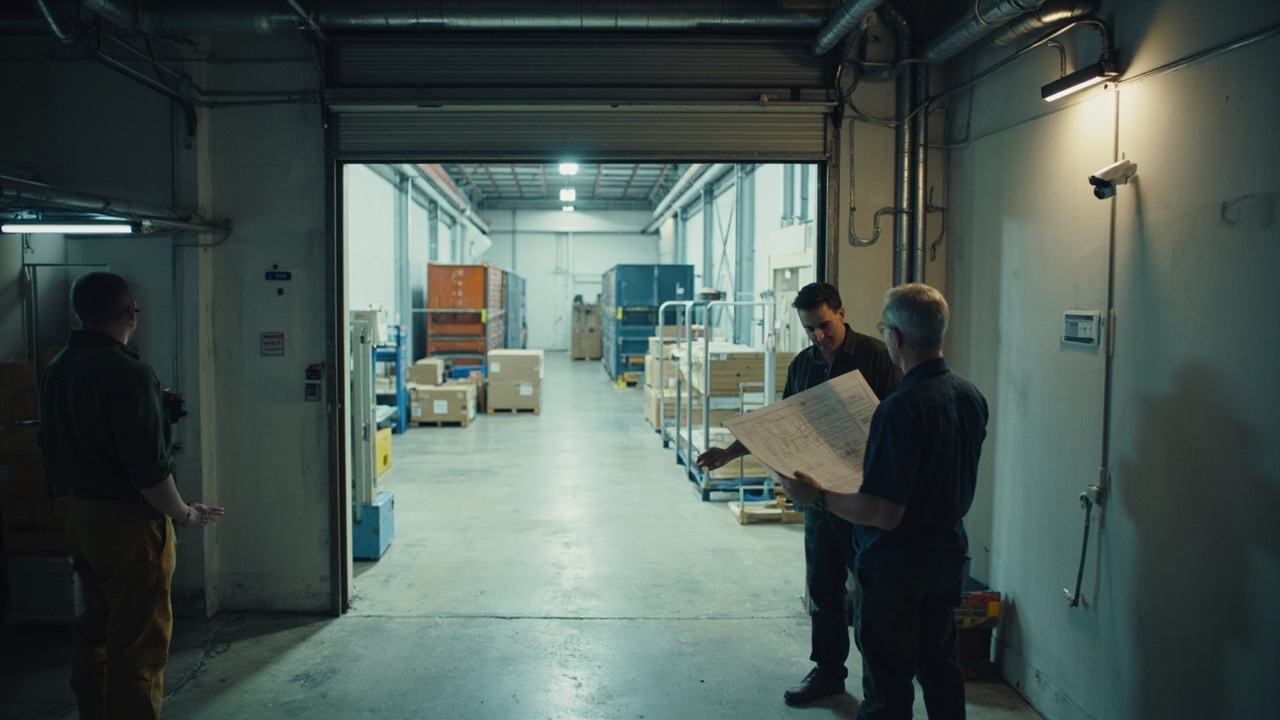
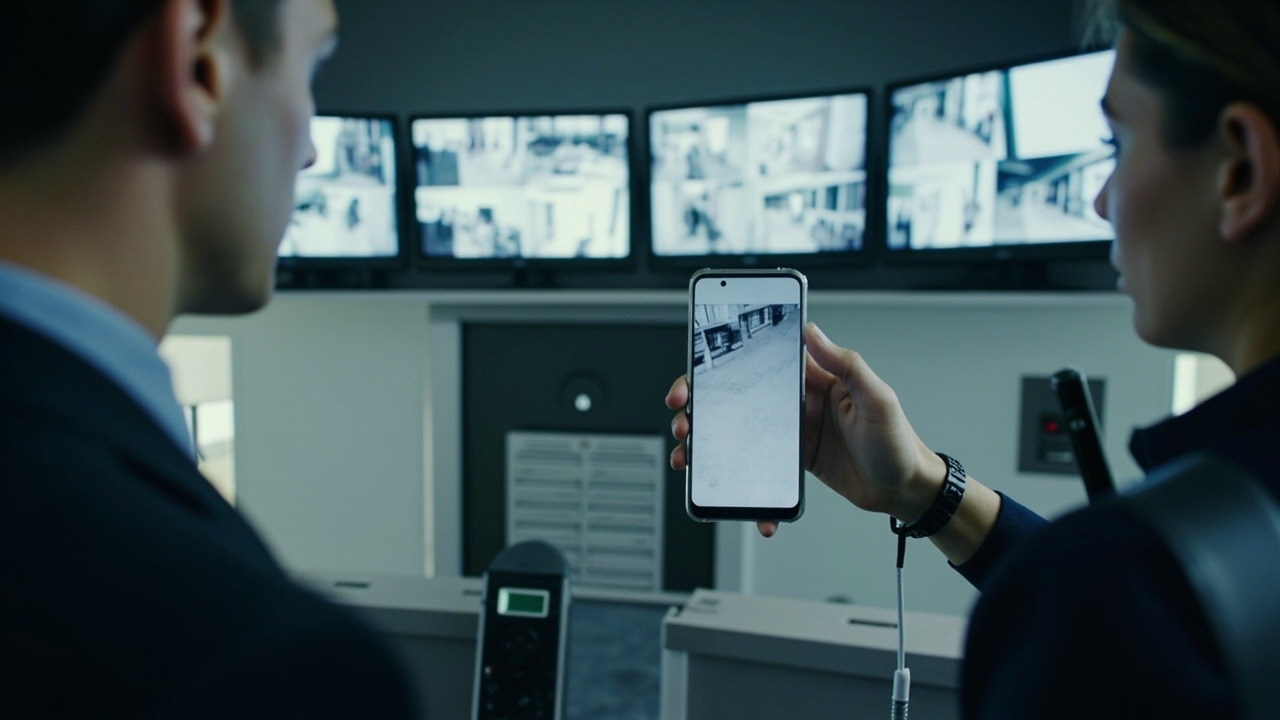
End-to-End Business Technology Integration · 2026-08-21 What CCTV features should I prioritise for my site?A CCTV prioritisation starts with a site survey to map coverage areas, entry points and lighting, so you know how many cameras you need and what they should monitor. It also helps define retention and playback times and who will access footage. Because we work in an end-to-end way, CCTV isn’t planned in isolation. We line it up with cabling, network, and security systems so feeds can feed access control or alarms, and you can monitor remotely. We'll also c…
 8 Q&A
Point-to-Point Wireless Links
8 Q&A
Point-to-Point Wireless Links
 12 Q&A
Commercial CCTV Design and Installation
12 Q&A
Commercial CCTV Design and Installation
 9 Q&A
Camera Placement Lighting and Recorder Location
9 Q&A
Camera Placement Lighting and Recorder Location
 6 Q&A
NVR DVR Video Management and Remote Monitoring
6 Q&A
NVR DVR Video Management and Remote Monitoring
 6 Q&A
Access Control Door Intercoms and Staff Access
6 Q&A
Access Control Door Intercoms and Staff Access
For a cloud migration discussion, we typically start by collecting a few key facts about your current setup. This helps us map how you currently use NEC features, which features you’ll need in the cloud, and what devices and users will be involved. Useful details to have include your current call flow and any NEC capabilities you rely on, the number of users and their locations, whether you use on-site handsets or softphones, licences you hold or plan to m…
NEC UNIVERGE BLUE Cloud Communications · 2026-08-19 what is an email address i can contact you on?The practical way to assess NEC UNIVERGE BLUE Cloud Communications is to start with the real need, then compare what is included, how it works, who it suits, what evidence supports it and which details still require direct confirmation from Pacific Telephone & Data. This topic covers cloud-based business communications that can connect office, mobile and remote users while reducing the amount of phone-system hardware at the customer site. Cloud communicati…
End-to-End Business Technology Integration · 2026-08-19 i am looking to install a cctv system, what do you recommend?The practical way to assess End-to-End Business Technology Integration is to start with the real need, then compare what is included, how it works, who it suits, what evidence supports it and which details still require direct confirmation from Pacific Telephone & Data. This topic covers the value of planning communications, data, security, wireless and AV as one connected business system rather than a collection of unrelated installations. End-to-end inte…
 8 Q&A
Alarms Back-to-Base Monitoring and Integrated Security
8 Q&A
Alarms Back-to-Base Monitoring and Integrated Security
 6 Q&A
Meeting-Room AV Smart Boards and Control Systems
6 Q&A
Meeting-Room AV Smart Boards and Control Systems
 Topic
Pacific Telephone & Data Story and Local Experience
Topic
Pacific Telephone & Data Story and Local Experience
 14 Q&A
End-to-End Business Technology Integration
14 Q&A
End-to-End Business Technology Integration
 10 Q&A
Technology Site Surveys and Accurate Quoting
10 Q&A
Technology Site Surveys and Accurate Quoting
The people or teams who sign off on the cutover plan should cover the items listed: numbers, carrier services, platform features, queue licences, recording and after-hours responsibilities. Because pricing, availability, specifications, compatibility, lead times, service coverage and support arrangements can change, decision-critical details should be confirmed directly with Pacific Telephone & Data. Pacific can guide and coordinate the cutover plan with y…
Newcastle Lake Macquarie and Hunter Service Areas · 2026-08-18 What should we have ready before Pacific visits our regional site?To make regional site visits productive, provide a clear project scope, site address, access details and any safety requirements. Share current information about your existing infrastructure, such as photos, drawings or notes, plus any known constraints or time windows. Pacific can clarify the scope before travel and coordinate visits so onsite work is efficient.
Choosing Quality Technology Solutions Over the Cheapest Quote · 2026-08-17 Which brands or models does Pacific commonly recommend after a site survey?Pacific doesn’t publish a fixed shortlist of brands publicly. After a site survey, we assess your requirements, current infrastructure and future plans, then choose brands and models we know we can install, test and support reliably. Our aim is to pick established products with a track record so we can deliver a smooth implementation and ongoing support. Because we emphasise whole-system integration, the recommendation will include the specific brands and …
 7 Q&A
New Office Fitouts and Workplace Technology
7 Q&A
New Office Fitouts and Workplace Technology
 10 Q&A
Project Coordination and Related Trades
10 Q&A
Project Coordination and Related Trades
 10 Q&A
Installation Quality Testing and Handover
10 Q&A
Installation Quality Testing and Handover
 13 Q&A
Maintenance Fault Diagnosis and Technical Support
13 Q&A
Maintenance Fault Diagnosis and Technical Support
 8 Q&A
WHS SWMS and Work on High-Risk Sites
8 Q&A
WHS SWMS and Work on High-Risk Sites
We run commissioning checks after mounting to confirm the installed cameras match the approved coverage and angles. This includes confirming the view aligns with the site plan and that key areas like entrances and approach paths are clearly covered under typical lighting. Final views are verified under representative conditions so the footage will serve practical security and evidentiary needs. If gaps are found, we can revisit mounting settings and alignm…
Choosing Quality Technology Solutions Over the Cheapest Quote · 2026-08-15 What should be tested in real use before committing to Choosing Quality Technology Solutions Over the Cheapest Quote?Compare Choosing Quality Technology Solutions Over the Cheapest Quote against the intended use rather than one headline feature. Weigh suitability, quality, practical effort, timing, support, total cost, limitations and the evidence available, then decide which differences would materially change the outcome. How product support, site assessment, trained labour, testing, documentation and lifecycle reliability affect the real value of a technology proposal…
Business Phone Systems · 2026-08-15 When is Business Phone Systems a good fit, and when might it not be?The practical way to assess Business Phone Systems is to start with the real need, then compare what is included, how it works, who it suits, what evidence supports it and which details still require direct confirmation from Pacific Telephone & Data. This topic covers selecting, installing and supporting phone platforms that match a business’s users, call flows, locations, remote work and future plans. A suitable phone system can give a growing or multi-si…